PIXEL ART / BUSYBOX DA little pixel.
A little pixel.
A lot of personality.
Draw, add an image, or write your own message. Our Pixel Studio is a simple place to start—then take your PNG to the BusyBox app.
Open Pixel Studio ↗

BUSYBOX DIY / THE MAKER’S SKETCHBOOK
For the tinkerers. The doodlers. The “what if I tried this?” people. Turn your BusyBox into a little piece of you.
Find your next project ↓Draw, add an image, or write your own message. Our Pixel Studio is a simple place to start—then take your PNG to the BusyBox app.
Open Pixel Studio ↗3D PRINTING / PICK YOUR PROJECT
Print a cover, build around the magnet-ring coupler, or give your sign a little lift. Spin each model and download the original STL.
COVER
Print your own BusyBox radio-style cover. Choose a filament color that makes it yours.
MAGNET RING
The coupler for your own cover design: start with the BusyBox fit, then build your idea around it.
TABLE RISER
Correct the cover’s taper so your BusyBox sits upright on a table or shelf.
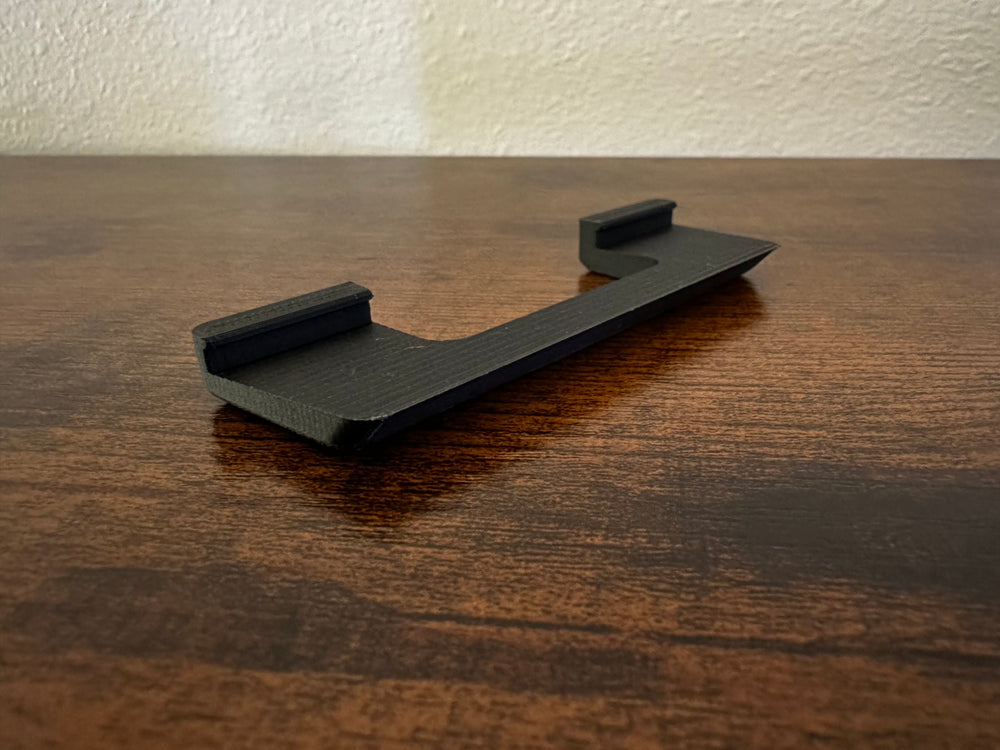
The cover’s slight taper makes it lean forward on a flat surface. This part keeps your sign upright on a table or shelf.
Explore all STL downloads ↗New message walkthrough up next.
WOOD COVERS / LASER CUTTING
Bring wood grain, texture, and your own design to BusyBox. Start with the cutting pack, then make the finish yours.

MAKE YOUR OWN / 3 MM WOOD / REV B
Cut five simple parts from 3 mm basswood or oak. The revised 214 × 100 mm front fits over our unmodified magnet frame, with a centered 156 × 58 mm opening.
Download cutting pack ↓SVG + DXF + two-page PDF + assembly notes · Rev BDownload the matching magnet frame STL ↑

Cut five parts: one 214 × 100 mm front, two 214 × 25 mm long walls, and two 94 × 25 mm ends. Fit the ends between the long walls and glue the walls behind the front. Overall size: 214 × 100 × 28 mm.

Fit the frame: print it at 100% scale and leave the ends intact. The 208 × 94 mm interior gives about 1 mm clearance per side. Dry-fit on your BusyBox to align the display opening and set the frame depth.
Place the magnets: use the printed frame to transfer their exact positions and match its pockets. Check polarity before fixing them. The orange marks show the four corner areas, not drilling coordinates.
Remove the assembly from the device before bonding. Use adhesive suitable for wood and your printed material; let it cure before fitting the cover.
THE BUILD / UP CLOSE
The cover, off the sign—so you can see its shape and construction.
See the shape and construction. Tap either photo to enlarge.
ANOTHER TAKE / SHAPE + STAIN
A shaped front, a laser-etched Cable Cup logo, and a blue stain that lets the wood grain show through. The same back-box construction, with a completely different face.
Tap either photo to enlarge. Design inspiration: the cutting pack uses a rectangular front; this shaped outline and logo are not included.GIFs & GRAPHICS / DESIGN ON SCREEN
Wanna make your own GIFs? Give your BusyBox D a little motion—and a lot of personality.
Start with a still image in Pixel Studio, or explore the creative apps below for animation, custom type, graphics, and layouts. Make something that feels like you.


VINYL SIGNS / PEEL. PLACE. PERSONALIZE.
Cut your lettering and shapes in vinyl, then apply them to a clear BusyBox S message blank. Your words, your colors, your way.
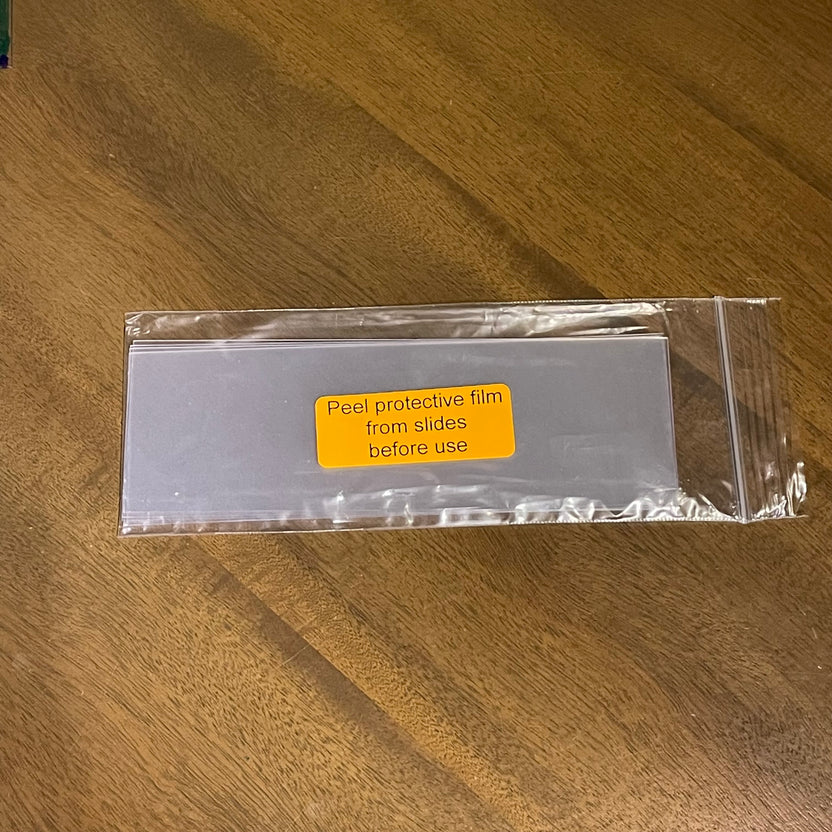
BBMK-002 / CLEAR MESSAGE BLANKS
183 mm wide × 60.5 mm tall
0.2 mm thick clear plastic
Prefer to make your own? Cut a piece of 0.2 mm clear plastic to 183 × 60.5 mm, then add your vinyl design.


